
Magento Tips: 404 Not Found error after Magento module installation

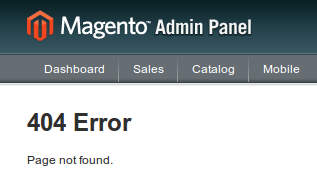
Sometimes after Magento modules installation, you can see 404 page not found error in your Magento administration zone.
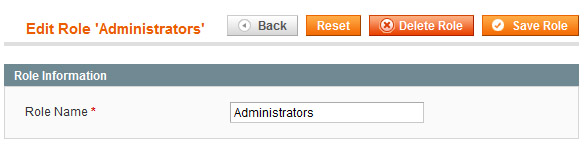
To fix this error, try to re-save permission role of your administrator user, using Magento admin zone -> System -> Permissions -> 'Roles' page -> Administrators -> Click on 'Save Role' button.
Don't forget to clear Magento cache after this.
Need help with your store?
We build and support online stores and B2B portals on Laravel and Magento, and move stores from Magento to Laravel without losing rankings.